|
gShogi is an open source Shogi (Japanese chess) game written in Python 3 and C for GTK 3 desktops.
It has a built in engine (based on GNU Shogi) and you can also play against USI engines.
You can play handicap games and use western pieces (good for beginners) and study games saved
in the PSN format.
Features
- Load / Save Games in native format or PSN format including support for reading multi-game files
- Set level of play (byoyomi, classical, incremental, fixed time per move, depth, infinite and nodes USI time controls)
- Undo / Redo Moves
- Choose eastern or western pieces or load your own custom pieces
- Resizable Board
- Builtin engine
- USI support - you can play against USI engines
- Play human vs engine, engine vs engine or human vs human
- Play Handicap games
- Customisable colours
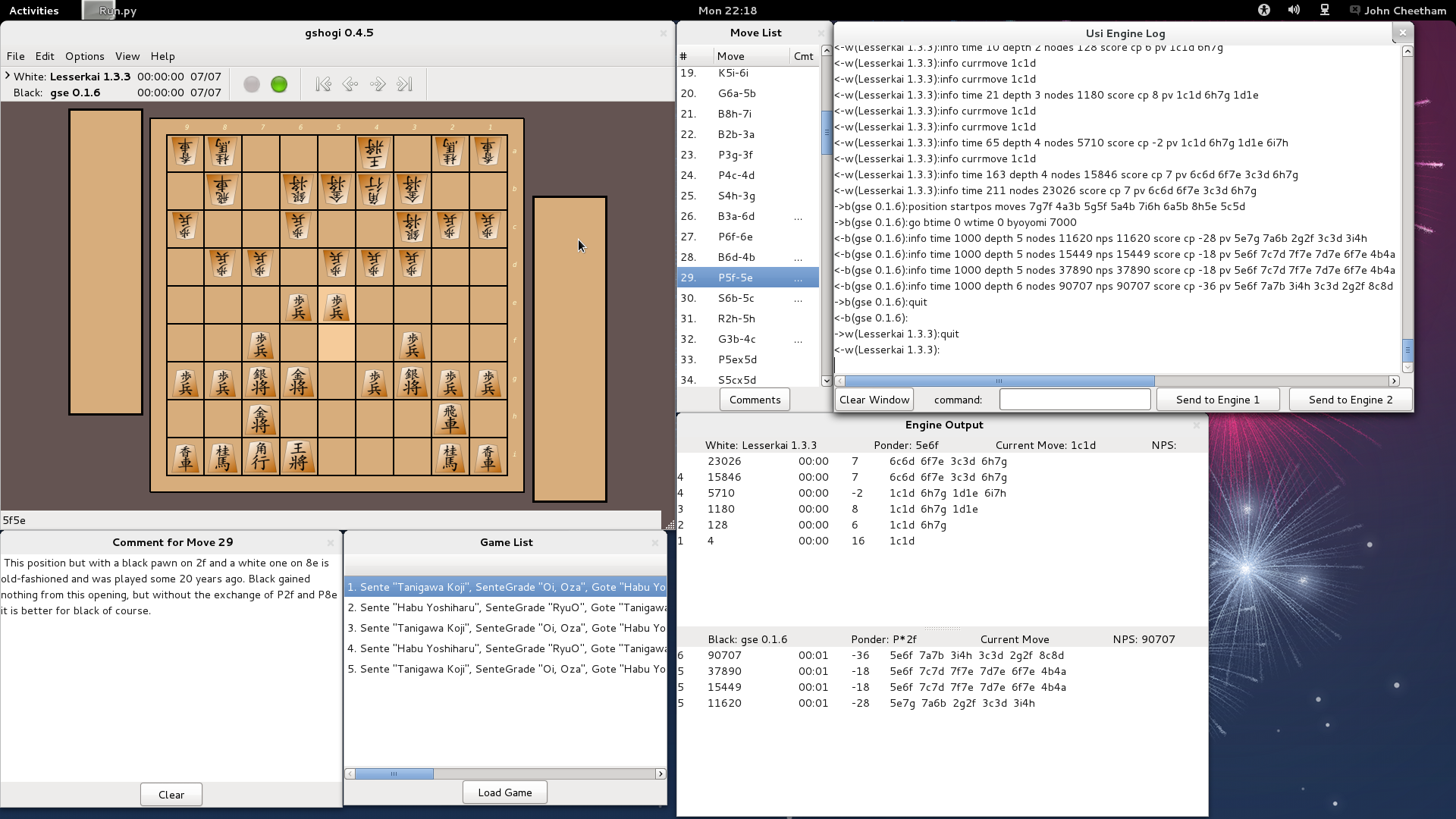
- Windows to display USI engine output, debugging info, move list, comments and game list
- Edit board position
- Copy/paste board position/game list to/from clipboard
Download
Download Git Master: .tar.gz
.zip
Download Last Release: .tar.gz
.zip
Download windows version here
View project on GitHub
View files on The Python Package Index (PyPI)
Screenshots
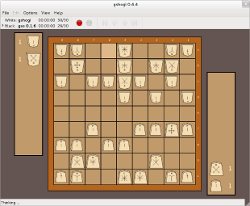
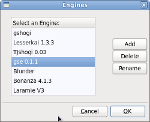
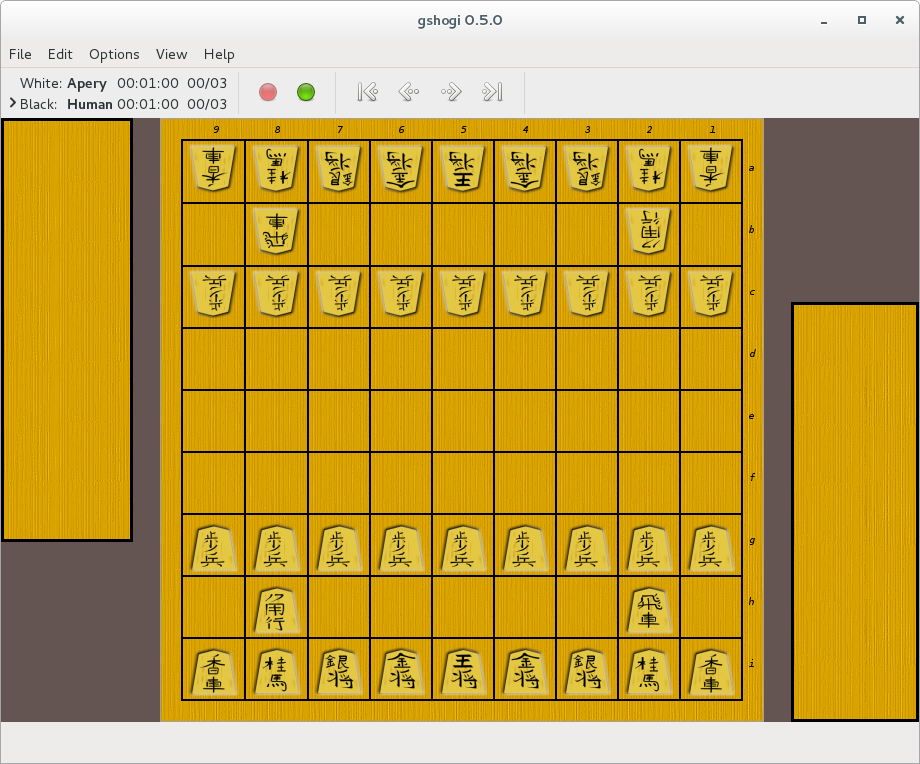
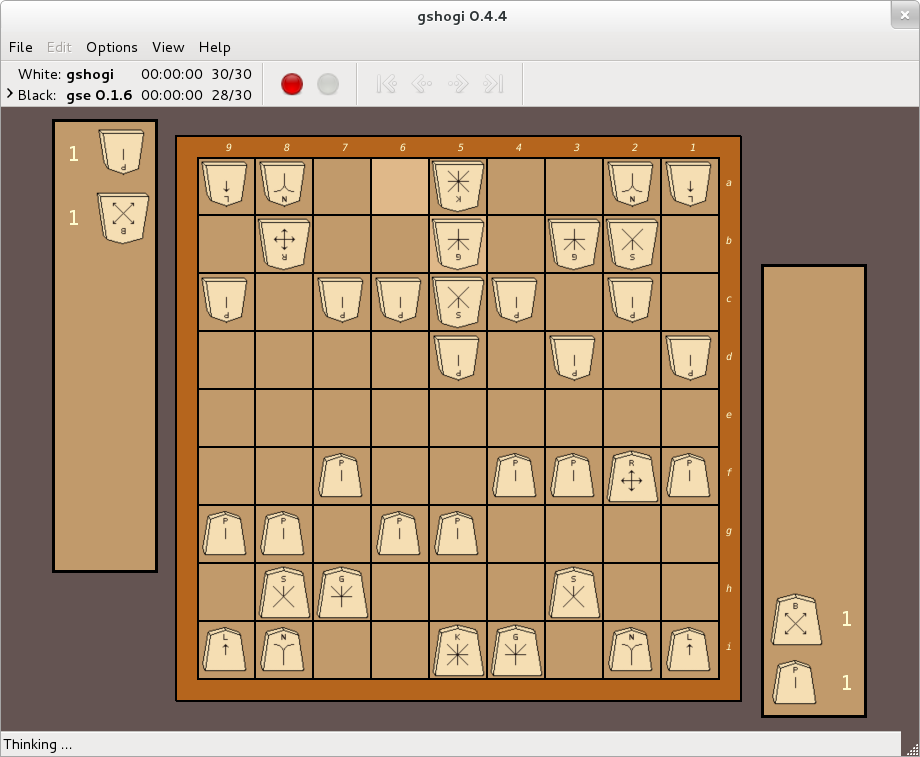
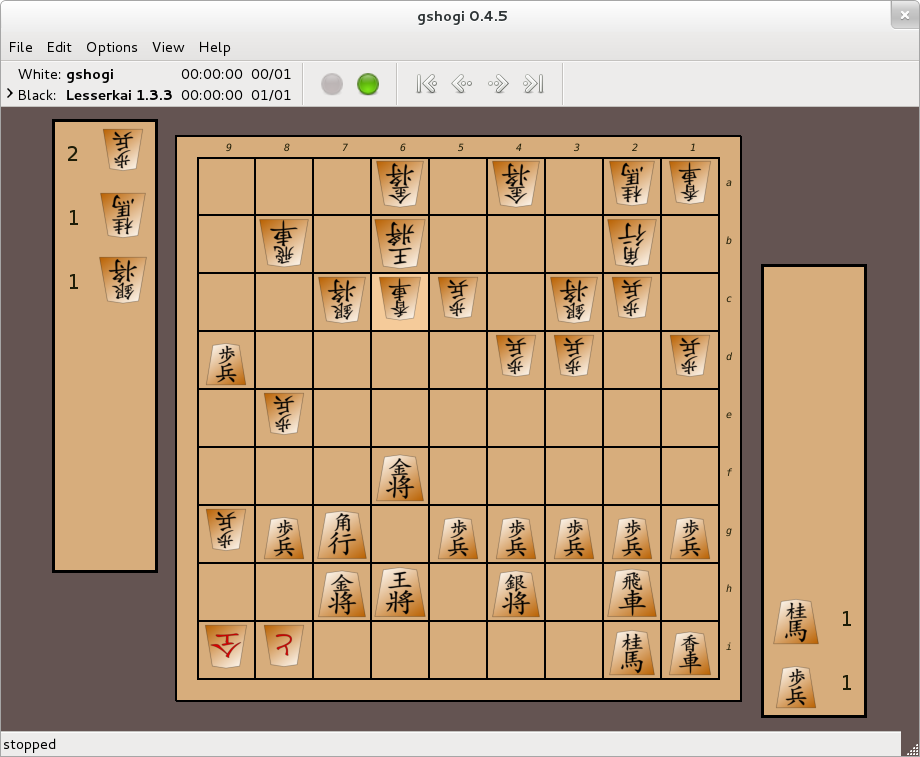
Click on the images to view a larger version.
Using Custom Pieces
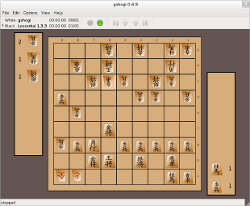
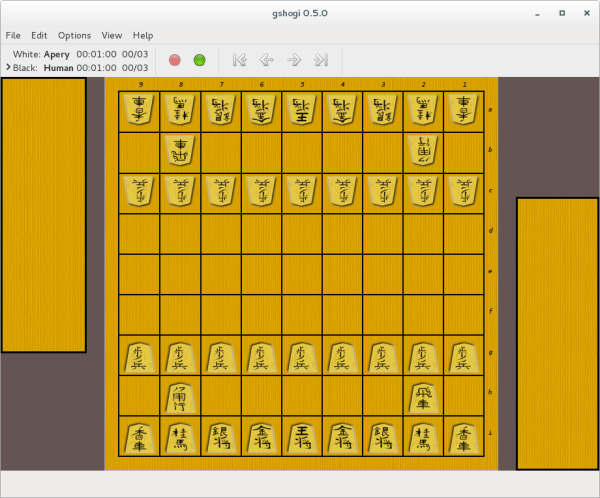
You can customise gShogi by changing the colour scheme and by creating your own piece images which you can load in via the GUI.
Above is an example of gShogi using custom piece images. Click on the image to view a larger version.
Download the above pieces here gshogi custom pieces.
Game Files
You can load games in PSN format including support for multi-game files.
The Shogiviewer website contains a games collection that you can use with gShogi.
Using USI engines
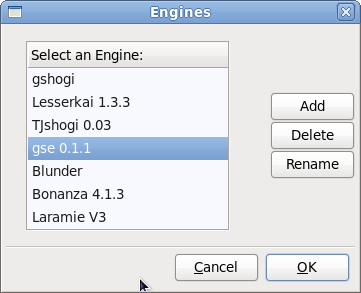
USI is the Universal Shogi Interface. You can install USI engines and use
them with gShogi.
More information on using USI engines with gShogi.
Utilities
Bernd Wille has created some utilities for gshogi including converting kif, psn and ascii files into formats that gshogi can read.
See https://github.com/bewille/gshogi-utilities for details.
gse is a USI version of the gShogi engine.
It runs on Linux and windows.
It must be used in conjunction with a USI GUI such as gShogi on Linux or shogidokoro on windows.
Downloads (Last update: 3rd May 2012)
gse-0.1.6.tar.gz Linux source tarball
gse-win-0.1.6.zip source code and windows executable
View project on GitHub
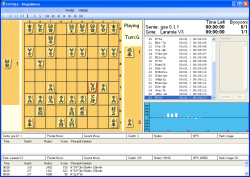
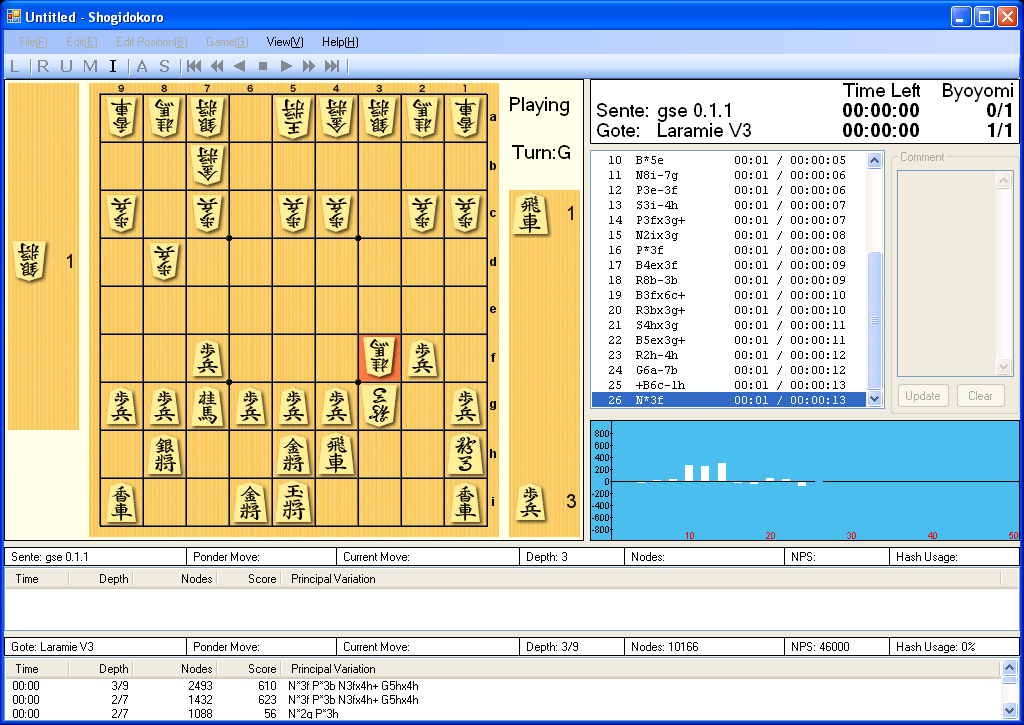
Screenshot of the gse engine playing against the Laramie engine on shogidokoro. Click on the image to view it at full size.
Shogidokoro is a windows USI GUI which you can download from http://www.geocities.jp/shogidokoro/download.html.
|